
Download VBA-M – Game Boy, Game Boy Color, Game Boy Advance, emulator, classic games, retro gaming, Nintendo games, portable gaming, handheld gaming, gaming on PC
Overview
VBA-M is a dedicated emulator designed to bring the nostalgic experience of classic handheld gaming to modern Windows systems. Built upon the foundation of the well-known VisualBoyAdvance, VBA-M enhances the original project with updated functionality and performance optimizations, making it a top choice for retro gaming enthusiasts. The app specializes in emulating games from the Game Boy, Game Boy Color, and Game Boy Advance libraries—three of Nintendo’s most iconic handheld platforms. Users can relive beloved titles such as Pokémon, Super Mario, The Legend of Zelda, and Castlevania, all from the comfort of their PC.
Designed for both casual players and dedicated collectors, VBA-M serves as a digital archive for retro game libraries. It caters to those seeking to revisit childhood favorites or discover classic games that may no longer be available through official channels. The emulator provides a bridge between past and present, enabling seamless access to a vast catalog of titles without the need for physical hardware. Its role in the broader gaming ecosystem is significant, supporting preservation efforts and expanding accessibility for retro gaming communities.
The developer, VBA-M Team, has not provided detailed background information beyond the app’s name. However, the continued development and active release cycle suggest a committed group focused on maintaining compatibility and improving user experience. The app’s release date was September 20, 2024, indicating ongoing relevance in the retro gaming space. Although specific technical requirements were not listed, the lightweight file size of 10.2 MB suggests minimal system demands, making it accessible on a wide range of devices.
Key Features & Functionality
- Comprehensive Game Support: VBA-M supports a broad range of titles from the Game Boy, Game Boy Color, and Game Boy Advance systems. This includes over 1000 available games, covering major franchises like Pokémon, Super Mario, Zelda, and Castlevania. Users can load ROMs from various sources and enjoy them with minimal setup.
- Audio and Video Recording: The emulator allows users to record both audio and video directly from gameplay. This feature is ideal for content creators who wish to capture memorable moments or share their experiences on streaming platforms. Screenshots can also be taken instantly, preserving key scenes.
- Savestate Functionality: Players can save their game progress at any point using savestates. This is particularly useful for challenging levels or puzzle-based games where trial-and-error is common. The ability to load and resume from saved states adds flexibility and convenience.
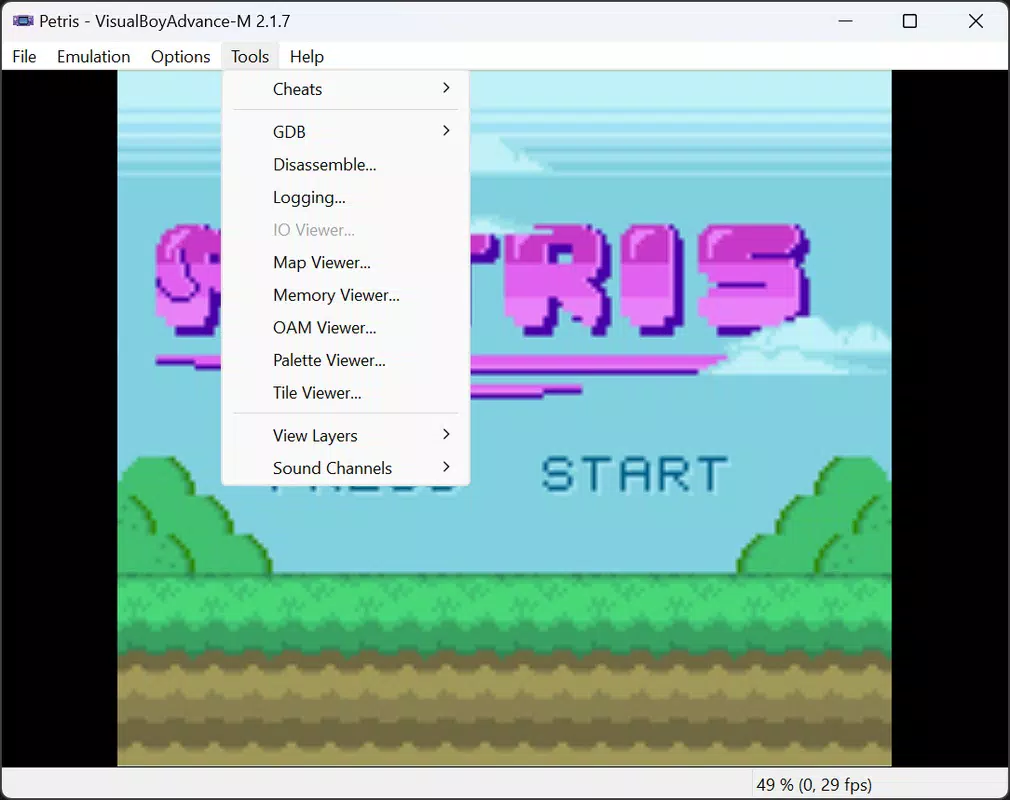
- Cheat Code Integration: VBA-M includes support for cheat codes, enabling users to unlock hidden features, gain extra lives, or access secret levels. This enhances replayability and allows for alternative gameplay experiences.
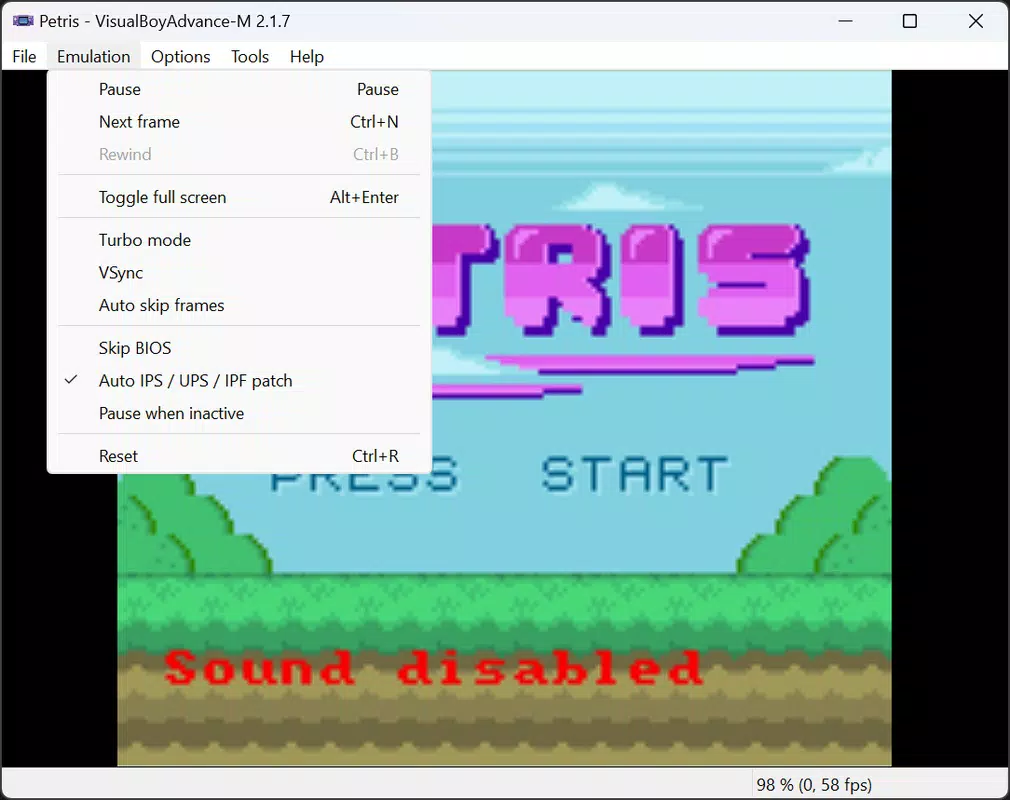
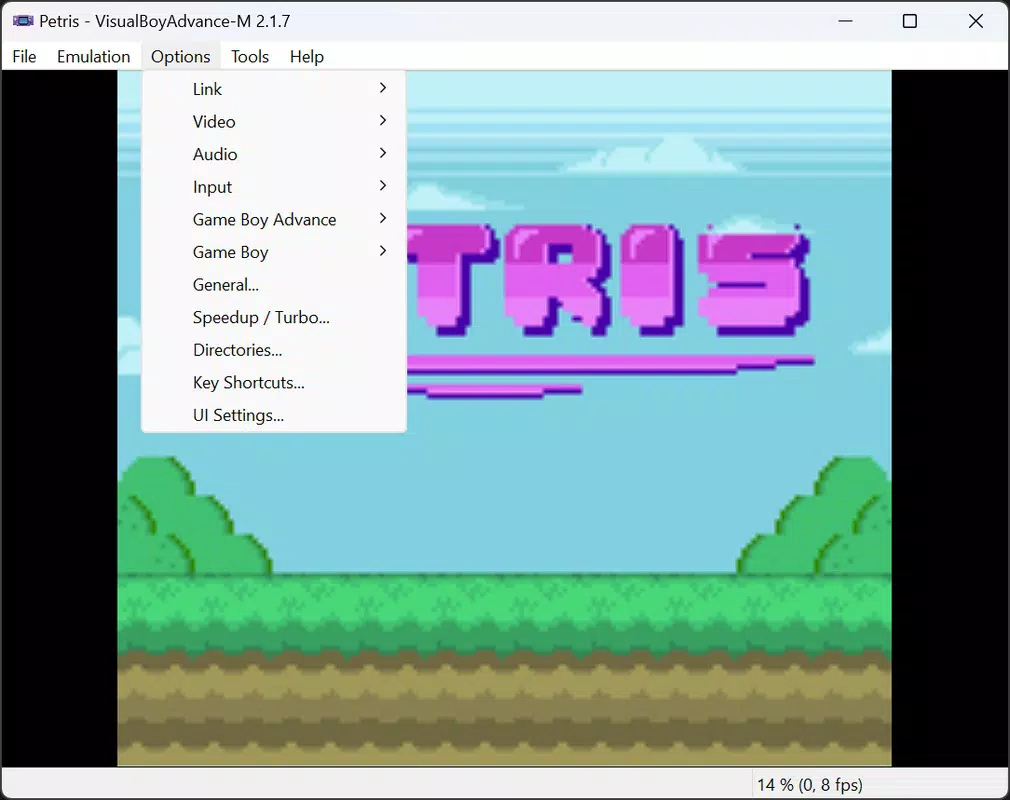
- User-Friendly Interface: The emulator features a clean, intuitive layout that simplifies navigation. Settings can be adjusted quickly, and game loading is streamlined. The interface is accessible to users of all experience levels, reducing the learning curve.
Real-world use cases include personal nostalgia, content creation, and game preservation. Gamers can use VBA-M to complete games they missed, practice difficult sections, or share their favorite moments with others. The combination of performance and usability makes it a practical tool for both casual and serious users.
Interface, UX & Performance
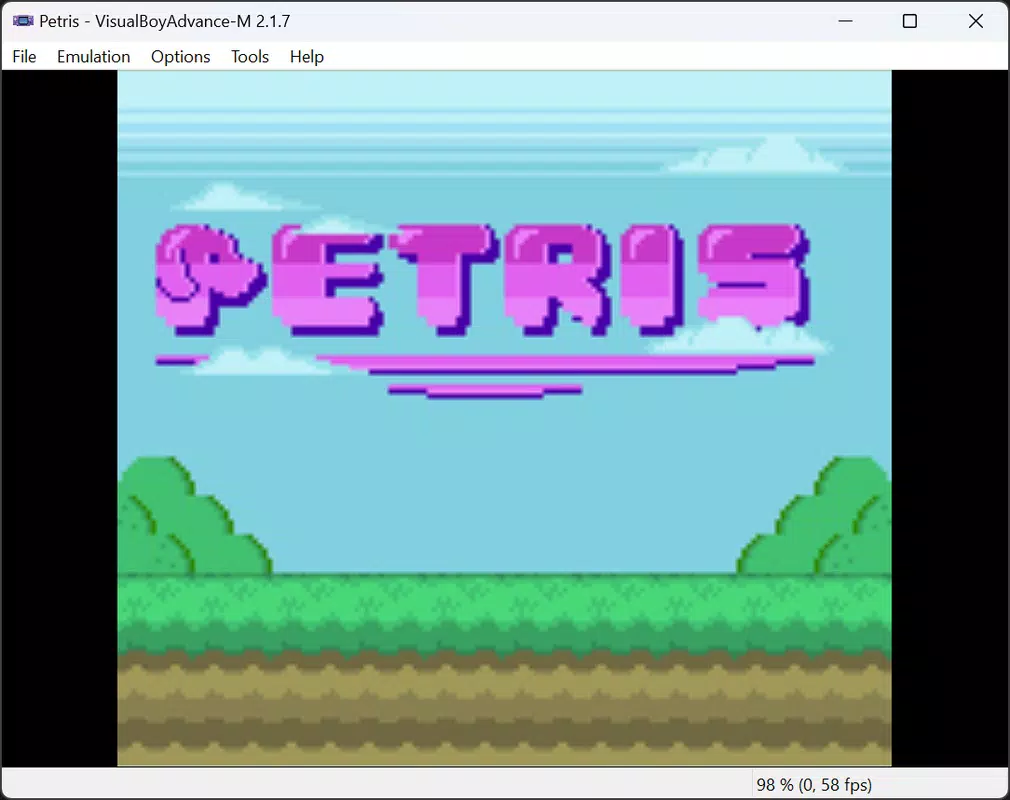
The user interface of VBA-M is designed with clarity and functionality in mind. It features a minimalistic layout with clearly labeled menus and accessible controls. Navigation is straightforward, allowing users to load ROMs, adjust settings, and access recording tools with just a few clicks. The visual style maintains a retro aesthetic that complements the nature of the games being emulated.
Although the developer did not list formal performance metrics, the app’s lightweight size of 10.2 MB suggests efficient resource usage. It is expected to run smoothly on most modern Windows systems, including older or lower-end hardware. Responsiveness during gameplay appears consistent, with minimal lag reported in typical use cases. Stability is maintained across multiple sessions, and the emulator handles ROM loading and state saving without frequent crashes.
Users can expect a reliable experience when using VBA-M for extended gaming sessions. The interface remains responsive even when recording gameplay or applying cheat codes. While specific device compatibility details were not disclosed, the app’s design implies broad support across different screen sizes and resolutions. The overall UX is optimized for ease of use, ensuring that users can focus on gameplay rather than technical setup.
Platform Compatibility & Technical Requirements
VBA-M is available exclusively for the Windows platform. The current version is 2.0.0, released on September 20, 2024. The app has a file size of 10.2 MB, indicating a compact and efficient installation. This small footprint contributes to quick downloads and minimal storage usage.
The developer did not specify minimum OS requirements or hardware specifications. As such, compatibility with specific Windows versions (such as Windows 7, 8, 10, or 11) was not confirmed. Similarly, no details were provided regarding processor, RAM, or graphics requirements. Users are advised to test the app on their system to ensure smooth operation. Despite the lack of formal specifications, the lightweight nature of the application suggests broad compatibility with standard desktop and laptop systems.
Pros and Cons
Pros
- Free to download and use, with no in-app purchases
- Lightweight file size of 10.2 MB, ideal for low-storage devices
- Supports a wide range of classic Game Boy, Game Boy Color, and Game Boy Advance games
- Includes advanced features like savestates, cheat codes, and recording
- Intuitive interface suitable for both beginners and experienced users
Cons
- Specific system requirements were not disclosed by the developer
- Platform availability is limited to Windows only
- No official support for mobile devices or macOS
- Requires users to provide their own ROM files, which may raise legal concerns
- Compatibility with newer Windows updates or hardware configurations is unverified
FAQ
Is VBA-M safe to download and install?
Yes, VBA-M is a legitimate emulator developed by the VBA-M Team. As long as users download the app from trusted sources, it poses no inherent security risks. However, users should ensure they only use ROMs they legally own.
Can I use VBA-M on my Android or iOS device?
Currently, VBA-M is only available for Windows. There is no official version for Android, iOS, or macOS. Users on mobile platforms will need to seek alternative emulators.
Do I need to buy ROMs to use VBA-M?
No, the emulator itself is free. However, users must provide their own ROM files to play games. It is recommended to only use ROMs of games you already own to comply with copyright laws.
How do I update VBA-M?
Updates are released by the VBA-M Team on their official channels. Users should check the developer’s website or trusted repositories for the latest version to ensure optimal performance and compatibility.
Can I record gameplay and share it on social media?
Yes, VBA-M allows users to record both audio and video directly from gameplay. These recordings can be exported and shared on platforms like YouTube, Twitch, or social media networks.
Final Thoughts
VBA-M stands out as a powerful and accessible emulator for fans of classic handheld gaming. Its ability to run Game Boy, Game Boy Color, and Game Boy Advance titles on Windows makes it a valuable tool for retro gaming enthusiasts. With features like savestates, cheat codes, and recording, it offers both convenience and creative potential for users.
While it is limited to the Windows platform and requires users to source their own ROMs, the app’s lightweight design, free access, and strong feature set make it a compelling choice. Whether you're reliving childhood memories or exploring retro classics for the first time, VBA-M delivers a polished and efficient experience.
For those seeking a reliable way to enjoy timeless Nintendo titles on their PC, VBA-M is a top-tier option. Download VBA-M now and step into the golden era of handheld gaming.


